Abstract
Generative AI is encouraged in academic work, including dissertations and theses, as long as you follow UKZN's AI Academic Guidelines, adopted by Senate in December 2024, and disclose every use, language editing included. The disclosure goes on the standard Appendix A form in the front section, and a course coordinator may limit or ban AI for a course.
Yes. The University of KwaZulu-Natal's AI Academic Guidelines, which Senate approved on December 3, 2024, encourage generative AI in academic work if you follow them. In a thesis or dissertation you disclose every use, editing included, on the standard Appendix A form at the front. Your supervisor may also ask you to keep records.
In short
The rules sit in one university-wide document: the Principles and Guidelines on the Use of Generative Artificial Intelligence Tools in Academic Work (AI Academic Guidelines, reference SE/01/0312/24). Senate approved it on December 3, 2024, and it took effect on January 1, 2025. It covers all academic work and defines student work as theses, dissertations, and assignments.
The starting point is permissive: “The use of generative AI is encouraged, provided that it aligns with these AI Academic Guidelines.” For students, the central duty is disclosure, set out in section 6.9: “Any use of generative AI tools in the creation of student work, from generating ideas to editing or refining text, must be explicitly disclosed.”
Under section 6.2, failing to disclose as the guidelines require, or disclosing inaccurately, counts as academic misconduct.
Common uses in a research project, sorted by what the document asks. The last column is our suggestion.
| Use in your project | What the guidelines ask | What to have ready |
|---|---|---|
| Reading, summaries, first ideas | Disclose the use; check AI output against the literature and credit the original authors (6.2.2, 6.9.1) | The original sources behind each idea you kept |
| Language editing | Disclose it too: section 6.9.1 names editing and refining text | The language editing box ticked on the form |
| Data analysis, qualitative coding, modeling | Keep control of the analysis and check the final analysis by hand (6.3.3); give full details in the methodology section (Appendix A, item c) | Prompts, outputs, and the checks you ran |
| Records of your AI use | Your supervisor may require records of substantial interactions, such as prompts and outputs (6.9.2) | A dated log you can show at a supervision meeting |
| Sensitive personal information or protectable intellectual property | Secure tools that run offline should be used, avoiding public or unsecured platforms (6.10) | Your ethics approval and your supervisor's view |
Under section 6.5, a course coordinator may limit or ban generative AI for that course and explains the reason in the course outline; a course with no rules defaults to full use with disclosure. The guidelines don't say whether a dissertation counts as such a course. If yours is registered as one, read its outline. Your supervisor may also ask you for records.
Section 6.9.4 fixes where the disclosure goes: “All student work must include the standard generative AI disclosure form in Appendix A in the front section of the assignment, dissertation, or thesis.” You delete the text that doesn't apply to you.
The form asks for areas of use, not the tool's name or version. Section 6.8 lists those details as best practice for research outputs; ask your supervisor whether to add them.
Tools that comment on a student's own draft are not mentioned. The document names no secure tools either: it asks IT Services to publish a list, and it promised standard acknowledgements that each school could adapt. Ask your school whether it has its own version.
The guidelines are to be revised every year, so check that you follow the current version.
Hypothetical example, law. A master's candidate has an AI tool summarize thirty judgments and keeps the summaries area on item b. One summary attributes a principle to a judgment that never states it. Her supervisor asks: which summaries did you check against the judgment itself?
Hypothetical example, nursing. A master's student asks a tool to suggest themes in his interview transcripts and keeps qualitative data analysis on the form. His methodology section is silent, and the transcripts held first names. His supervisor asks: were they de-identified first, and where is item c in chapter three?
Hypothetical example, engineering. A doctoral candidate uses a tool to find a bug in her simulation code and lists it under others. The fix changed the boundary conditions behind two figures. Her supervisor asks: did the tool change the model that produced your results, and does the methodology chapter say so?
Each item gives a sign in your own draft and the question you or your supervisor may ask.
No. The AI Academic Guidelines encourage generative AI if you follow them and disclose it, though a course coordinator can limit or ban it for a course.
Yes. For student work, disclosure covers any use from generating ideas to editing or refining text, and the Appendix A form has an area for language editing. The optional level for language edits in section 6.8 is written for research outputs such as journal articles.
The standard Appendix A form goes in the front section of the dissertation or thesis. AI use in your methodology is also described in the methodology section itself.
Most academic tasks don't need secure tools, the guidelines say, but sensitive personal information or protectable intellectual property calls for secure tools that run offline. Check your ethics approval and ask your supervisor first.
Esmond evaluates every assignment before you submit. It never writes it.
Esmond is an AI tool that doesn't write for you. If your course doesn't allow any AI tools, don't use Esmond for that work. If you're unsure, ask your instructor or advisor.
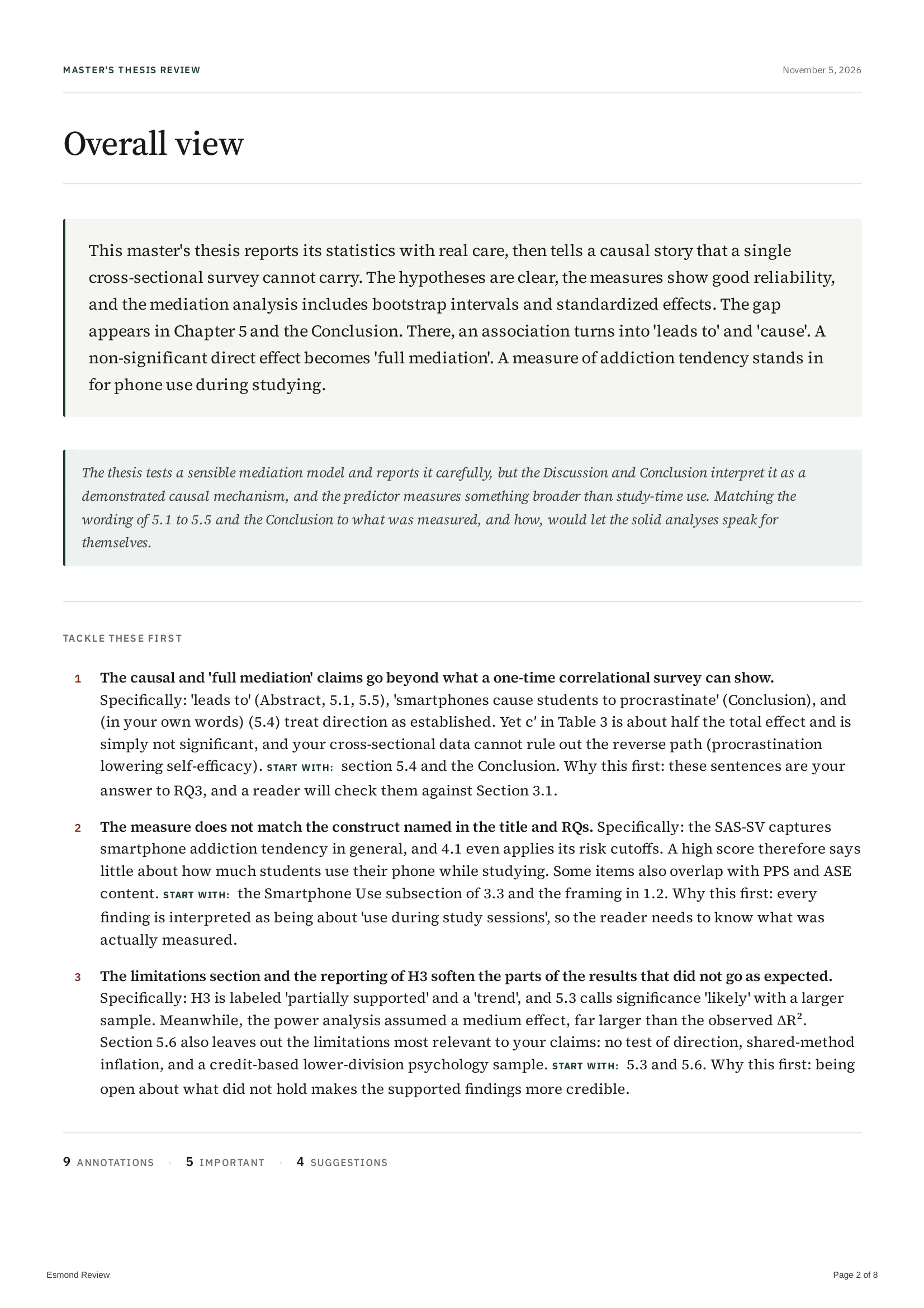
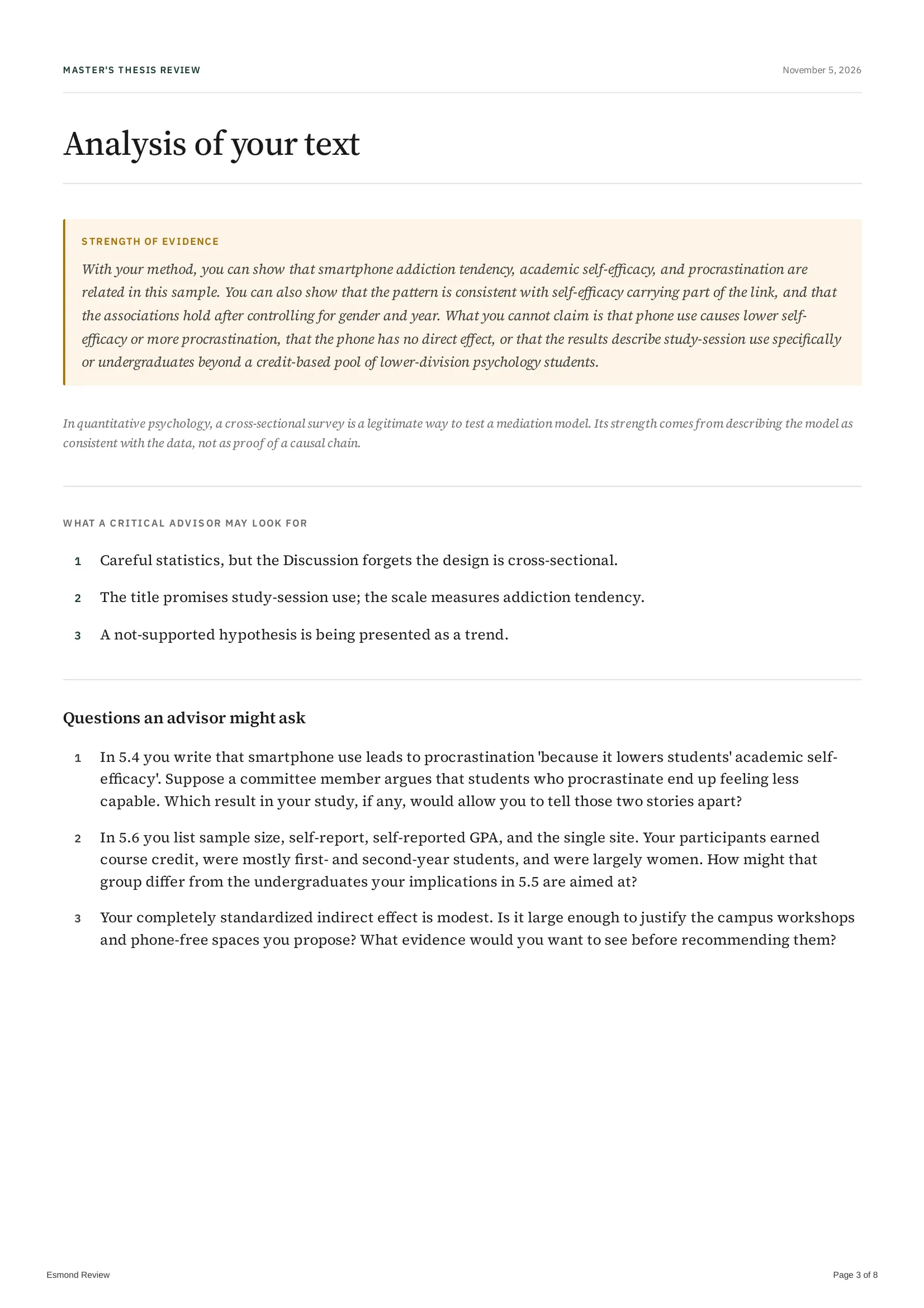
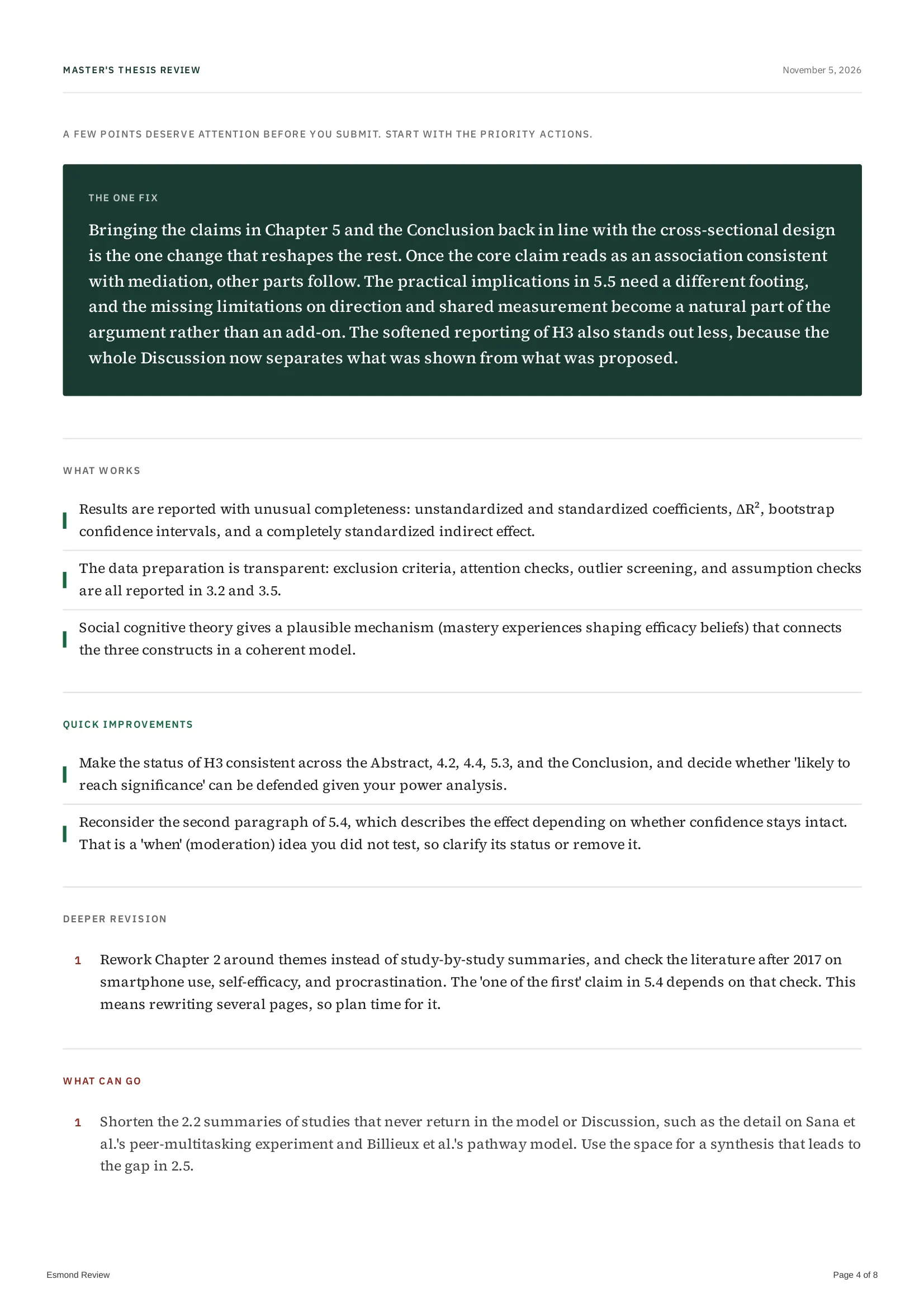
Esmond reviews the draft you upload before you submit it. It evaluates what you wrote and points out factual errors, inconsistencies, and blind spots; you keep the pen. See how Esmond works and the sample report. The guidelines don't name feedback tools, so declare Esmond like any other tool, for example in the open field of item b. Esmond runs online, and for sensitive personal information or protectable intellectual property section 6.10 points to secure offline tools: take that material out before you upload, and ask your supervisor if you are unsure. The University of KwaZulu-Natal has not reviewed or approved Esmond.
Read on November 12, 2026.
We last checked the passages quoted on this page against their sources on . University of KwaZulu-Natal is one of the universities in the AI policy tracker.
Last revised


Get your paper evaluated before you submit